Worker
Online XR → Tuesday 360 or Pilot A → Induct→Prove → file notes.
Complete views · web and mobile
Public web: https://careerwil.online/xr/. Mobile: CareerWIL app → XR tab → Online XR (v1.0.11+). Language stays workers, not learners.
Pilot A’s old plate had the video index at the end of the file. It is remuxed and served from /xr/media/plates/uat-a-trench-duct/plate.mp4. Hard-refresh if you still see a black tile. For Milzet demos prefer Quest VR Tuesday 360 — you drag to look around; there is no timeline Play control on still 360 plates.
Online XR → Tuesday 360 or Pilot A → Induct→Prove → file notes.
Online XR (Mentor chip) · Studio to author · review attempts.
Host admin chip · admin view · live rooms when encoders are up.
Assessor/Funder chips · Prove / PoE focus · headset optional.
| Surface | URL | Who |
|---|---|---|
| Library | /xr/ | Everyone |
| Tuesday 360 | …/demo-milzet-360-live | Worker demo |
| Pilot A phone_180 | …/uat-a-trench-duct | Worker site plate |
| Mentor Studio | /xr/studio.html | Mentor |
| This guide | /xr/guide/ | Everyone |
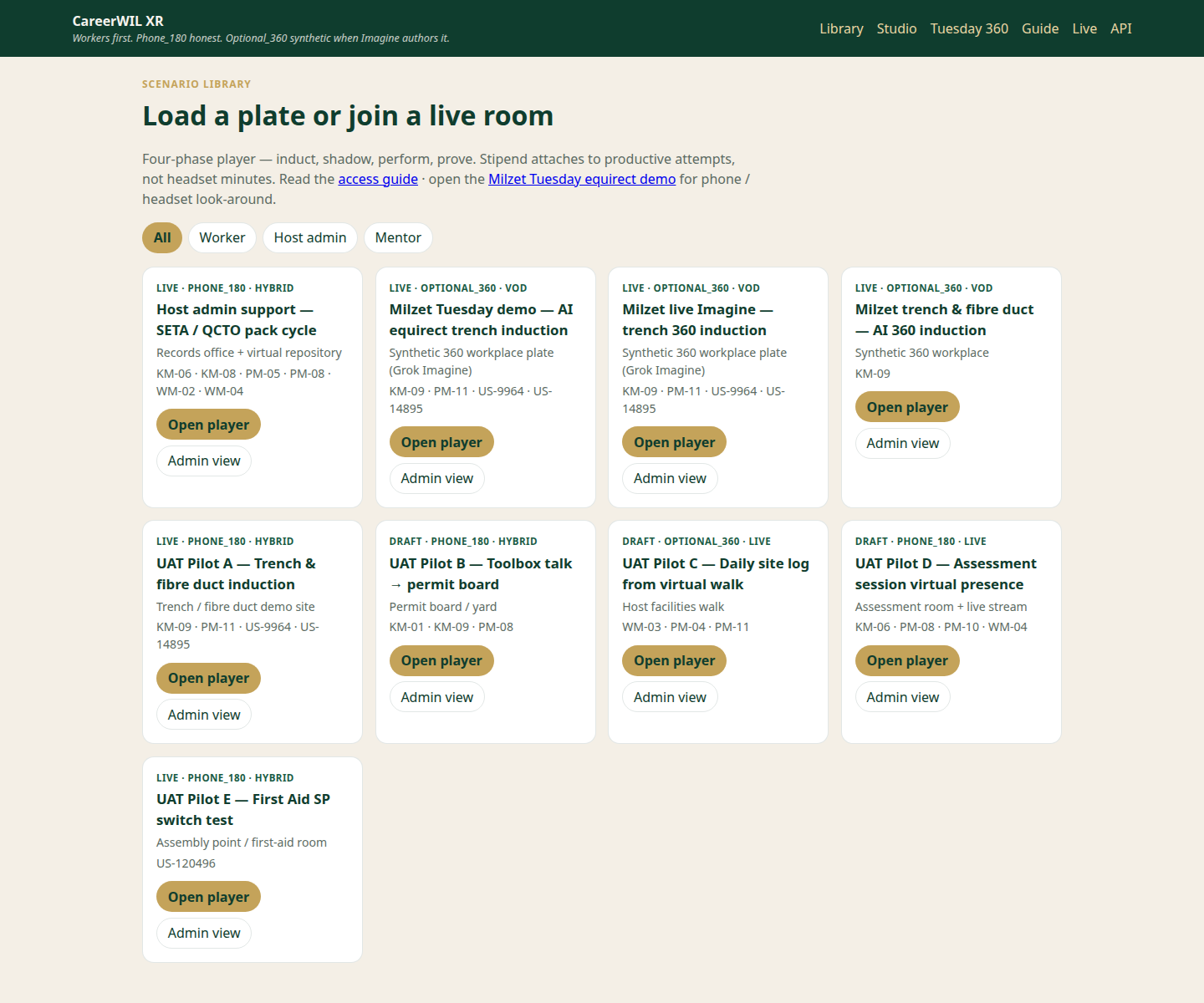
Full library: role chips + scenario cards including Tuesday 360 and Pilot A. Tap Open player.
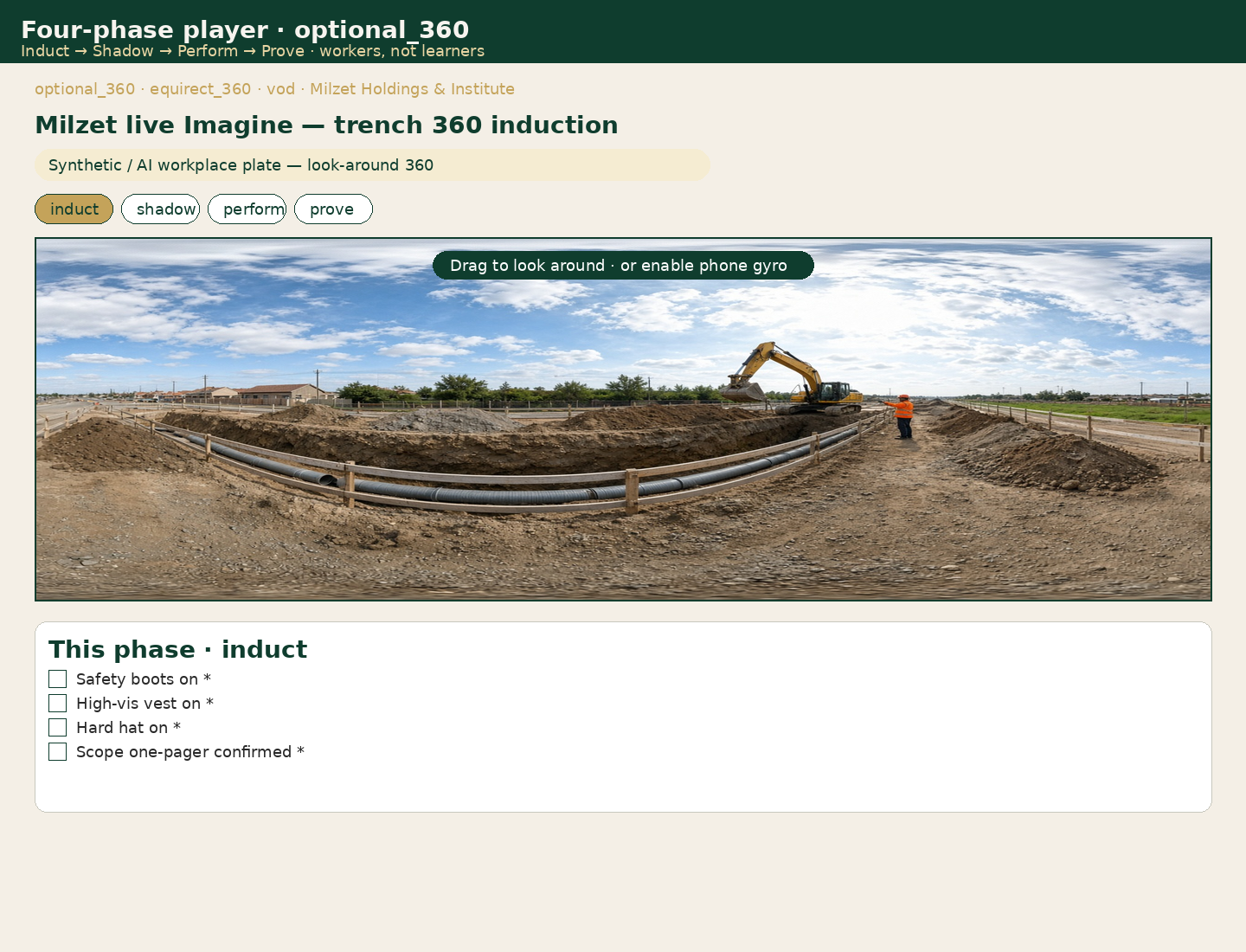
Desktop: panorama stage + phase pills + induct checklist. Drag the stage (no 00:00 Play bar on still 360).
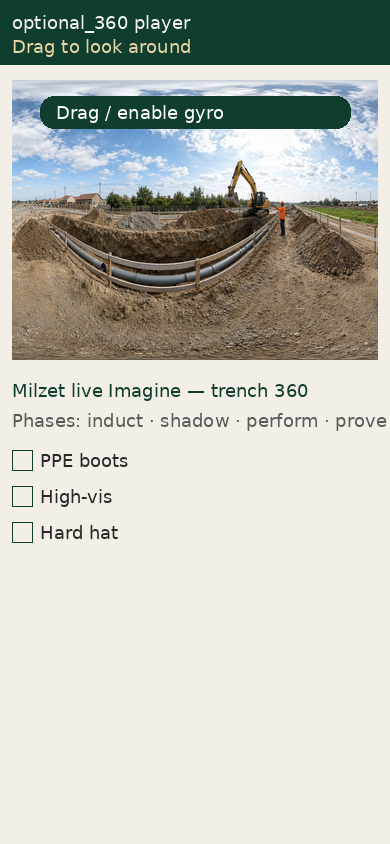
Phone: same flow; use Enable phone gyro when offered.
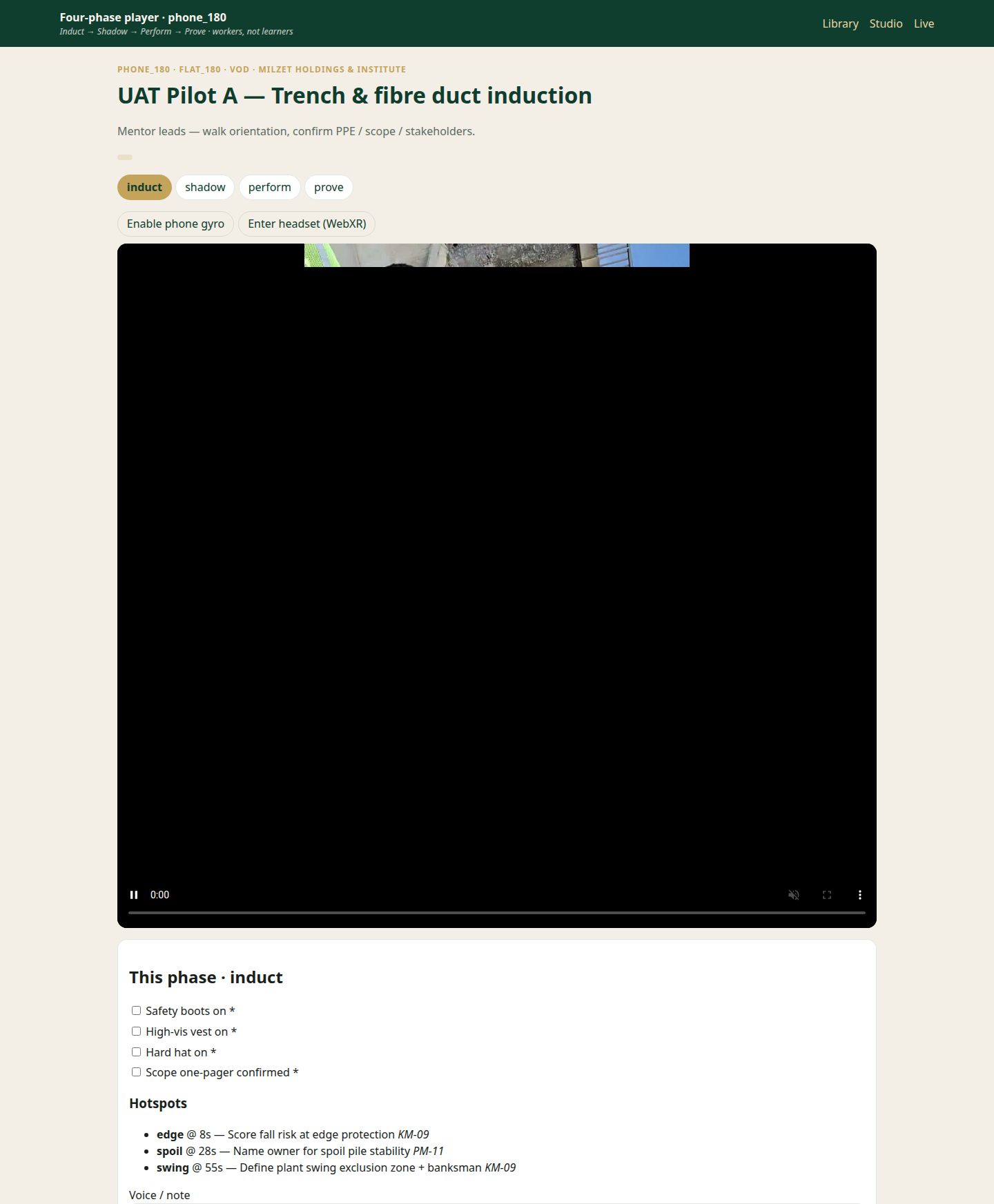
Full Pilot A page: title, phases, video controls, PPE checklist. Tap Play if the browser blocked autoplay.
Step A: Grok chat turns your brief into a four-phase scenario (checklist, yaw/pitch hotspots, KM/PM tags).
Step B: Grok Imagine renders an equirectangular 360 plate (synthetic / optional_360).
Keep “Generate equirect plate via Grok Imagine” checked. Credits must be on the xAI team.
Open Studio: /xr/studio.html — pick a workplace template (trench, clinic, packhouse, workshop, warehouse, kitchen, office, mine, retail, lab) or paste your own brief.
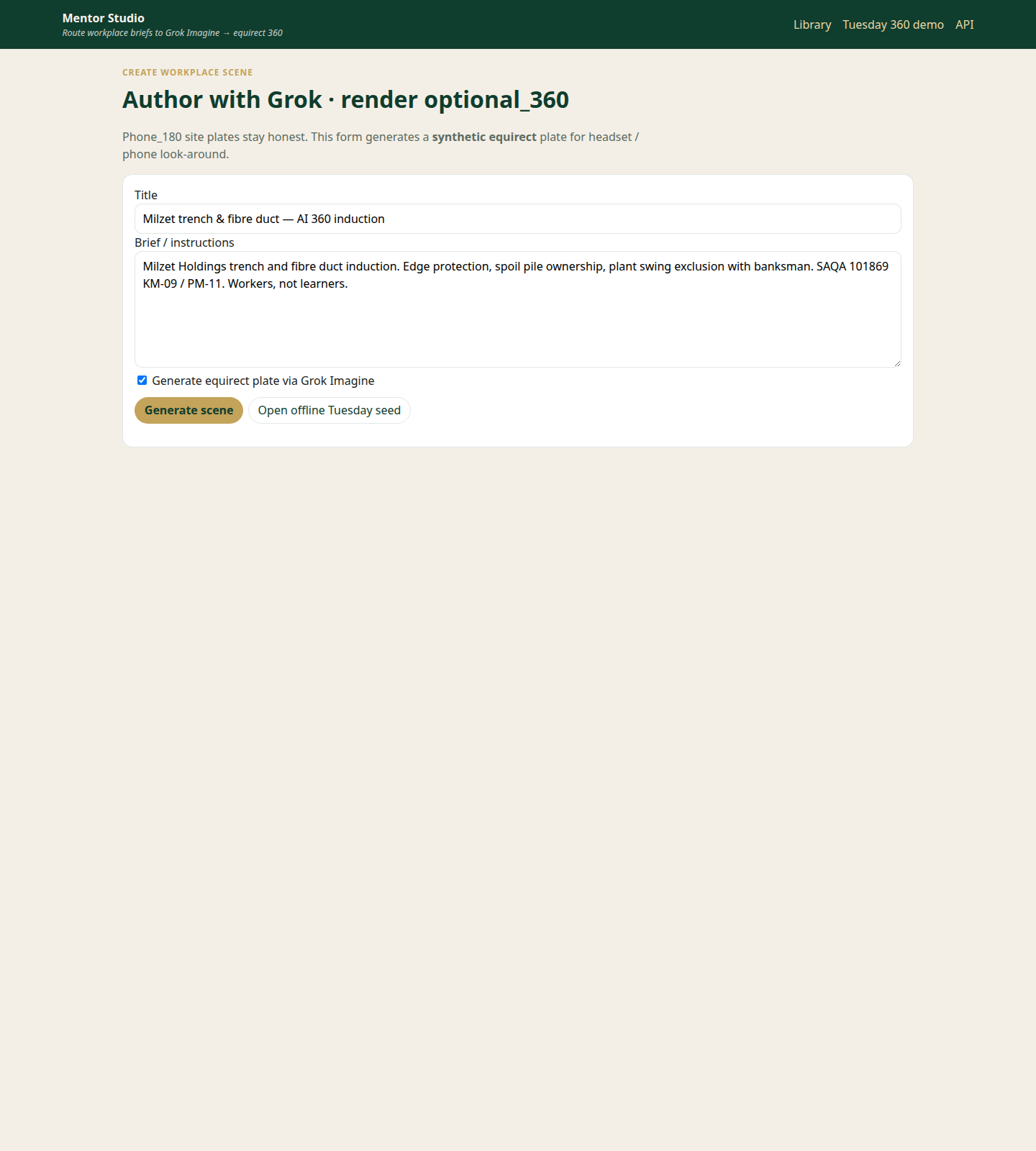
Studio form — title, brief, Imagine checkbox, Generate scene.
Download / auto-update to 1.0.11+13 (Powered Apps catalog). XR is offline-first: scenarios and plates cache on device; attempt events queue and sync when internet returns or via Bluetooth mesh relay. Online WebView is optional fallback only.
APK: careerwil-1.0.11.apk · Latest API: /api/v1/wil/app/latest
On the headset open https://careerwil.online/xr/vr.html (Meta Quest Browser). Choose a 360 scenario → Enter VR. Gaze ~1s on gold/red pins or pull the controller trigger. Phone APK remains offline-first for handsets; Quest uses this WebXR app.
Deep link Tuesday demo: vr.html?id=demo-milzet-360-live
On Quest VR, start a scenario → Cast my view (pose mirror, scalable). Optional Cast video publishes WHIP to MediaMTX. Mentors watch all casts at /xr/monitor.html.
Support: hello@careerwil.online · Control tower /wil/careerwil/xr